Why VetDB?
Veterinarians
Pet Owners
Equine Veterinarians
Smart Modules
Vaccination
Pathology
Microchip Registration
Digital Heath Records
Pricing
News
About VetDB
Contact us
VetDB for you
Veterinarians
Pet Owners
Equine Vets
Smart Modules & Features
Vaccinations
Pathology
Digital Health Records
Get started or book a demo
Help Centre
Menu
Help Centre
Contact us
Help Centre
Setup Guide
Activate Vedi modules
Activate Vedi modules
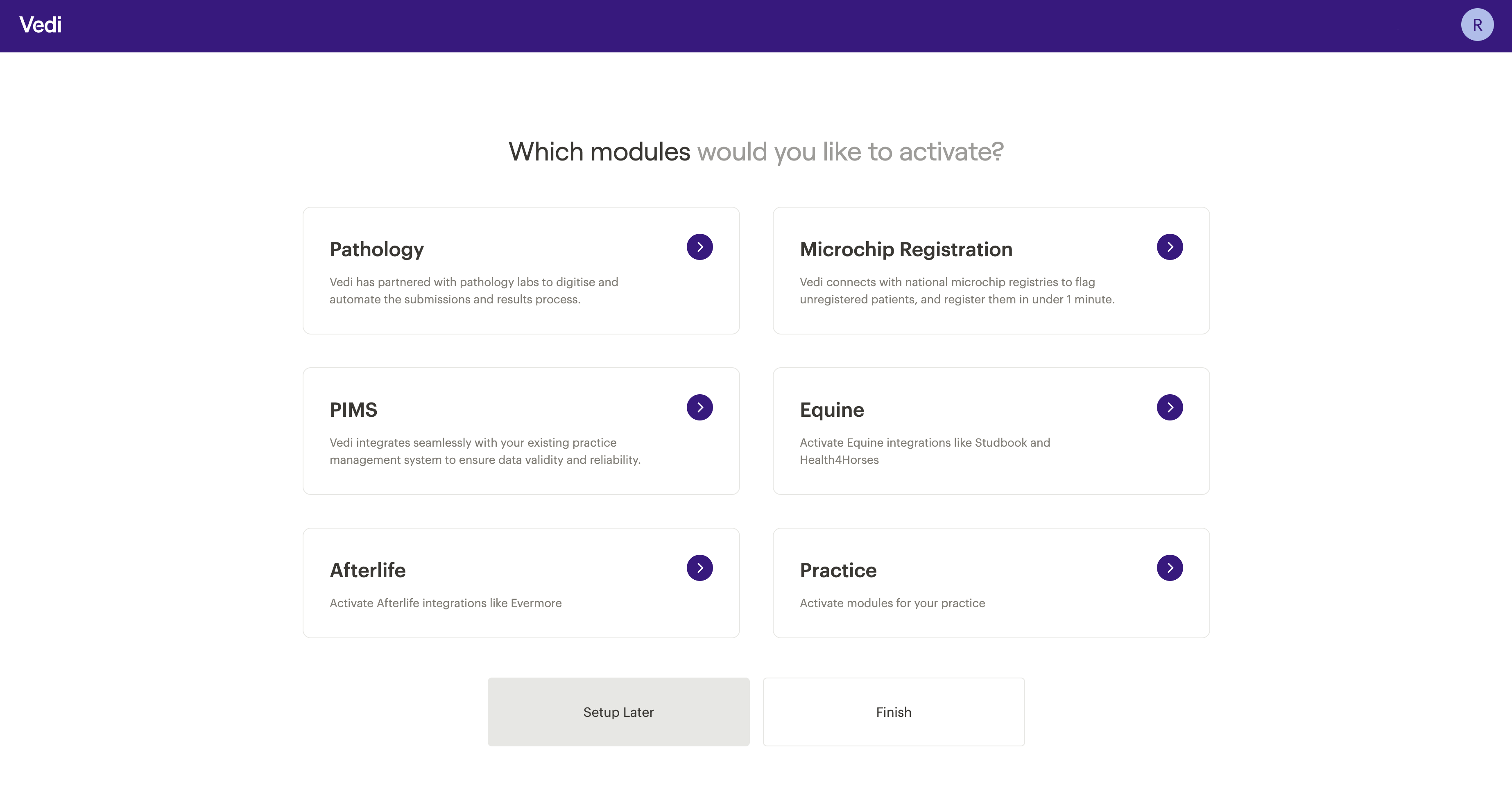
Once logged in you'll be asked which modules to activate.
Follow the steps in each module you want to activate, completing the necessary fields.
You can activate additional modules now or return to them later via Settings.
Don't select "Setup Later" without first activating a PIMS.
See
PIMS specific instructions in Step 3
.
If you do skip them, find them again under
Settings → Integrations
.
Share this article
Step 3
Connect your
practice software to Vedi.
Step 4
Practice
logo, branding and display settings