Team invites and management

Go to portal.vedi.io → Team.

You have two ways to add staff:

By QR code

  • Go to Team → Invite Code Management
  • Generate your code and share it with staff
  • Staff scan it, create their own account, and set their PINPrint it out and put it somewhere visible in the practice
  • Print it out and put it somewhere visible in the practice

By email

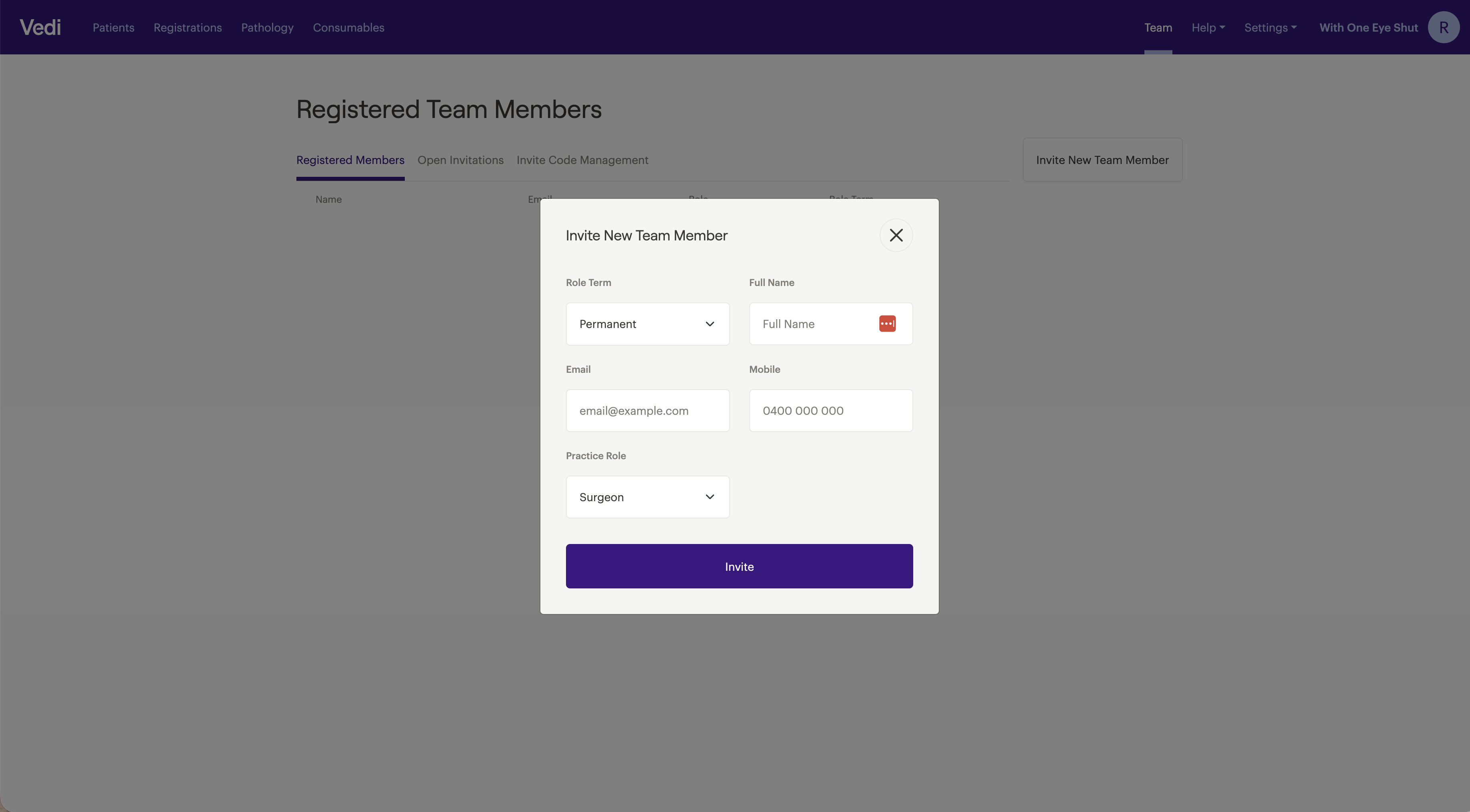
  • Select Invite New Team Member
  • Add their name, email, mobile, and practice role
  • They'll receive an invite to create their account

Every staff member needs their own account to sign off on submissions.

Vets specifically need accounts so their submissions are linked to them.

It doesn't matter which account is logged in on a shared device.

  • Confirm everyone appears under Team → Registered Members
  • If someone is missing, they likely didn't complete the Join Practice step after verifying their email
If you’re having repeated problems connecting, please contact support.

Share this article